Platform information checked 2026-10-28. The official README supplies Flathub and GNOME Builder routes and describes a GTK4/libadwaita wrapper over common system commands and files. No Windows/macOS binary support was established.
Read CPU, memory, storage, device and system details through a Linux desktop interface.
Free local system-information viewer
The GPL-3.0-or-later application has no required software fee. It displays information through Linux system files and command-line tools, whose availability can vary. You supply the computer. This is a hardware-information task alternative, not an included AIDA64 license or a replacement for its Windows benchmarks and stress tests.
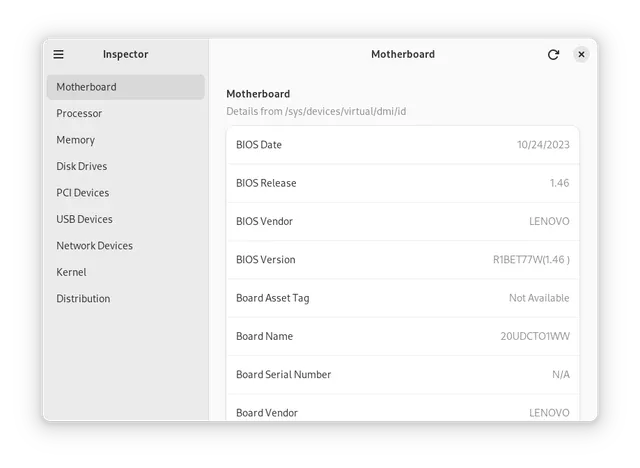
Inspector · Provider product screenshot from project documentation; the interface may show an earlier release. Not an AltStack execution.Product image: Nokse and Inspector contributors · GPL-3.0-or-later · Original image; layout scaled to fit. Provider product screenshot from project documentation; the interface may show an earlier release. Not an AltStack execution. Full notice.Logo: Nokse and Inspector contributors · GPL-3.0-or-later · Original image; layout scaled to fit. Official project logo; no endorsement implied. Full notice.
About Inspector
Read CPU, memory, storage, device and system details through a Linux desktop interface. Visit the project website to check the currently available deployment options.
Release status
Provider downloads or installation route reviewed; AltStack did not install or execute the application.
Install on your computer · Instructions checked 2026-10-28
Open the official README and follow its linked Flathub route for Linux, or use the documented GNOME Builder workflow for a source build.
Review the local system-information access described by the provider before opening the app; results depend on the Linux system files and commands available.
Use the relevant hardware or operating-system category to inspect a small set of local facts, such as processor or memory information.
Check those facts against the operating system before relying on them for a purchase or repair. Do not treat this information viewer as a completed benchmark or hardware stress test.
Linux desktop application; the provider does not establish AIDA64 benchmark, sensor or stress-test parity. System information may differ according to available commands and permissions. These are provider-documented starting steps; AltStack did not install or execute the application.
Self-hosting & quickstart specs
License
GPL-3.0
Deployment
Local desktop application
Free edition / costs
Free local system-information viewer. The GPL-3.0-or-later application has no required software fee. It displays information through Linux system files and command-line tools, whose availability can vary. You supply the computer. This is a hardware-information task alternative, not an included AIDA64 license or a replacement for its Windows benchmarks and stress tests. Pricing evidence.
Devices / hardware
The official README supplies Flathub and GNOME Builder routes and describes a GTK4/libadwaita wrapper over common system commands and files. No Windows/macOS binary support was established. Hardware, storage and backups are supplied by you; no universal RAM minimum was verified.
No one-line command has been verified for Inspector; follow its official installation instructions instead of guessing a Docker image or installer.
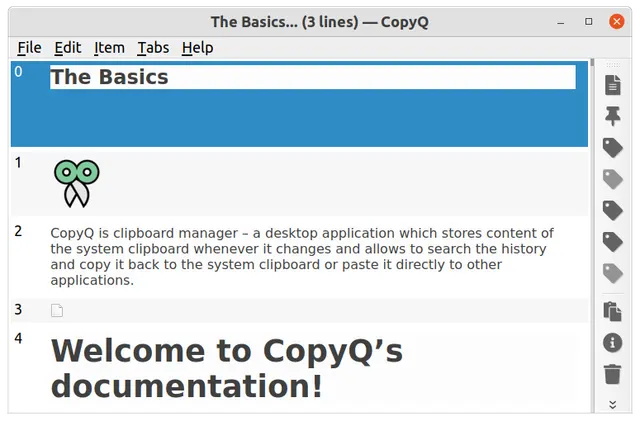
Search, edit and reuse a local clipboard history with optional tabs and automation.
The GPL-3.0 source and documented desktop packages have no required application subscription. Your computer, storage and backups are separate costs; no managed synchronization service or cloud quota is included.
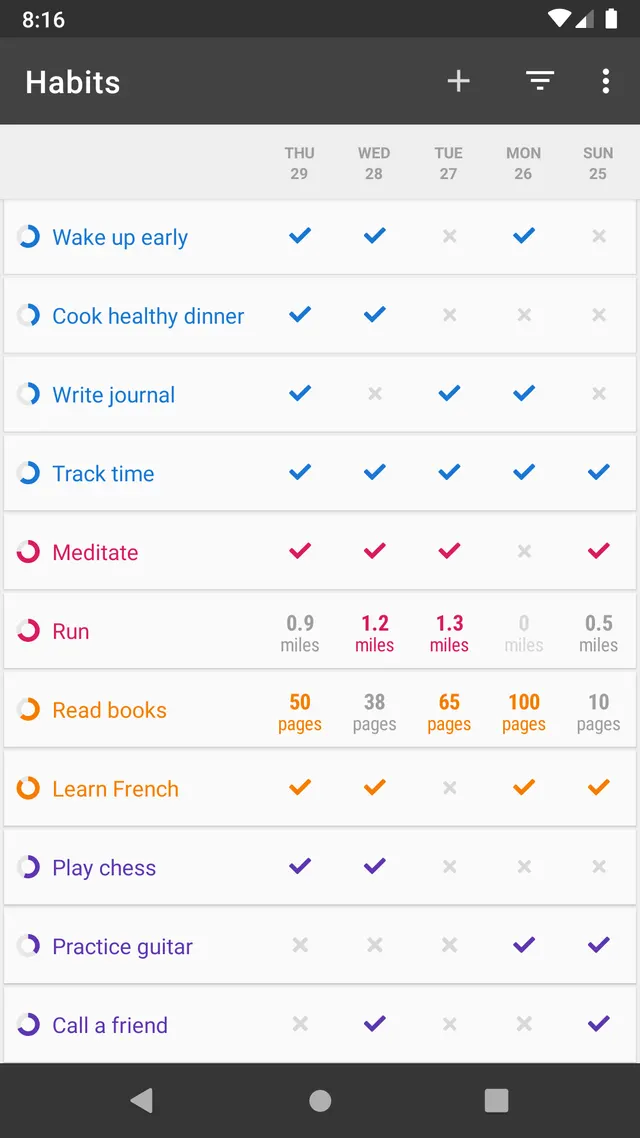
Record habits and inspect progress on an Android phone.
Loop is free GPL-3.0-or-later Android software. The provider states there are no in-app purchases or artificial habit limits, and all features are available to every user. No account or hosted service is required. It replaces local habit schedules, reminders and progress charts, rather than Habitify’s cross-platform account sync, location reminders or paid integrations. Data stays local in the app; Android’s own backup settings can separately copy device data to Google. Keep your own exports before switching devices.
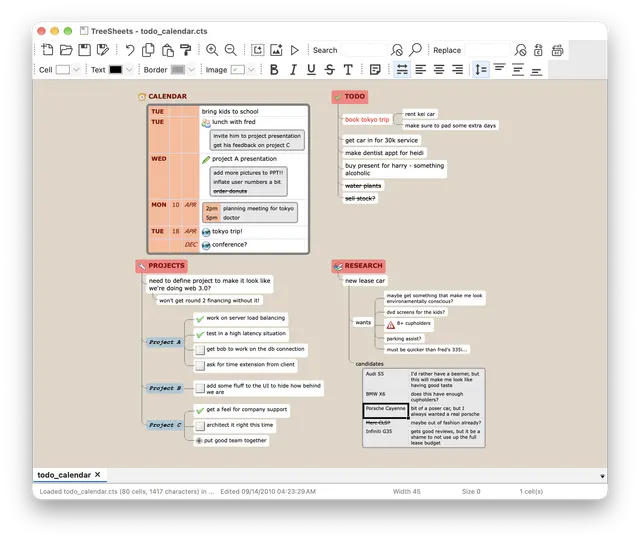
Arrange notes, plans and small data sets in nested grids that combine outlining with spreadsheet-like organization.
TreeSheets is free Zlib-licensed desktop software. You supply the computer, storage and backups. Its optional local agent socket is off by default; connecting an external AI assistant has that provider’s own account, model and service terms and can cost separately. The application does not include a paid-model allowance or a managed team workspace.
Create useful physical-key shortcuts on an Android device.
The reviewed GPL-3.0 FOSS edition has a usable free core for physical-key remapping and actions. The provider explicitly offers certain advanced triggers and special features as paid add-ons; do not label the entire product feature set free. F-Droid also flags promotion of the paid Play version. This selection covers the available FOSS package, not a paid extension or every Button Mapper Pro feature. Some actions need accessibility, keyboard, Shizuku, ADB or root support and can depend on Android version and device hardware; basic remapping does not require buying a server or API.
Keep events, recurring reminders and calendar widgets on your Android phone.
The GPLv3 Calendar source links official package routes including F-Droid and has no required source-license subscription. You provide the Android device and any configured calendar account/service; those services may charge separately. Fossify does not supply a hosted synchronization plan. Prices and features of separate supporter apps were not verified here.


 DeskflowProduct logo · See the interface on the official website