Free local setup · your hardware
Run a local web interface for image generation, refinement and processing.
Local image generation
Installation, models and costs
Installation and local setup
- Install the provider-supported Git and Python versions, then obtain SD.Next from its official repository in a normal writable user folder.
- Choose the compute backend for your GPU/CPU before the first launch. Run webui.bat or webui.ps1 on Windows, or webui.sh on Linux/macOS, following that backend’s instructions.
- After dependencies finish, open the Local URL shown in the console. Use a compatible local SDXL reference/downloaded model and wait for its download/load.
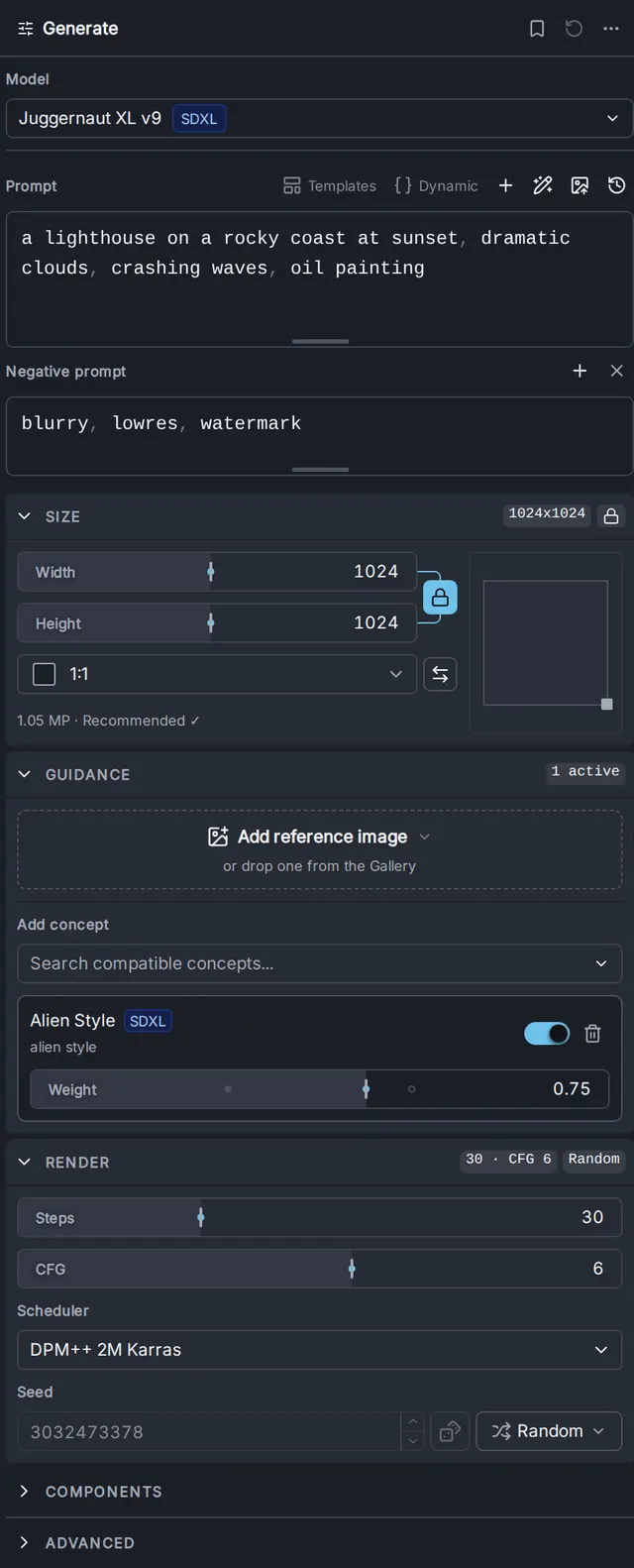
- Generate a small test image from the Text tab and inspect it. Keep separately billed API models and integrations disabled for this local route.
Hardware and limits
Supported backends include selected NVIDIA, AMD, Intel and Apple Silicon routes plus CPU-compatible options. Requirements depend on model and backend; the guide provides no universal speed or small-device promise. Models and caches can consume substantial disk.
This qualifies local image generation. Supported paid API models do not become free because the interface is Apache-licensed.
Costs and model licenses
Local inference has no required subscription, software purchase or paid model API. You supply compatible hardware, electricity, storage and initial downloads. SDXL weights have a separate Open RAIL++ license with use restrictions; software being open source does not make every model unrestricted. Optional cloud services, partner/API nodes and rented GPUs cost separately.
Software license: Apache-2.0
Provider documentation checked 2026-10-17. Setup was not executed by AltStack.