

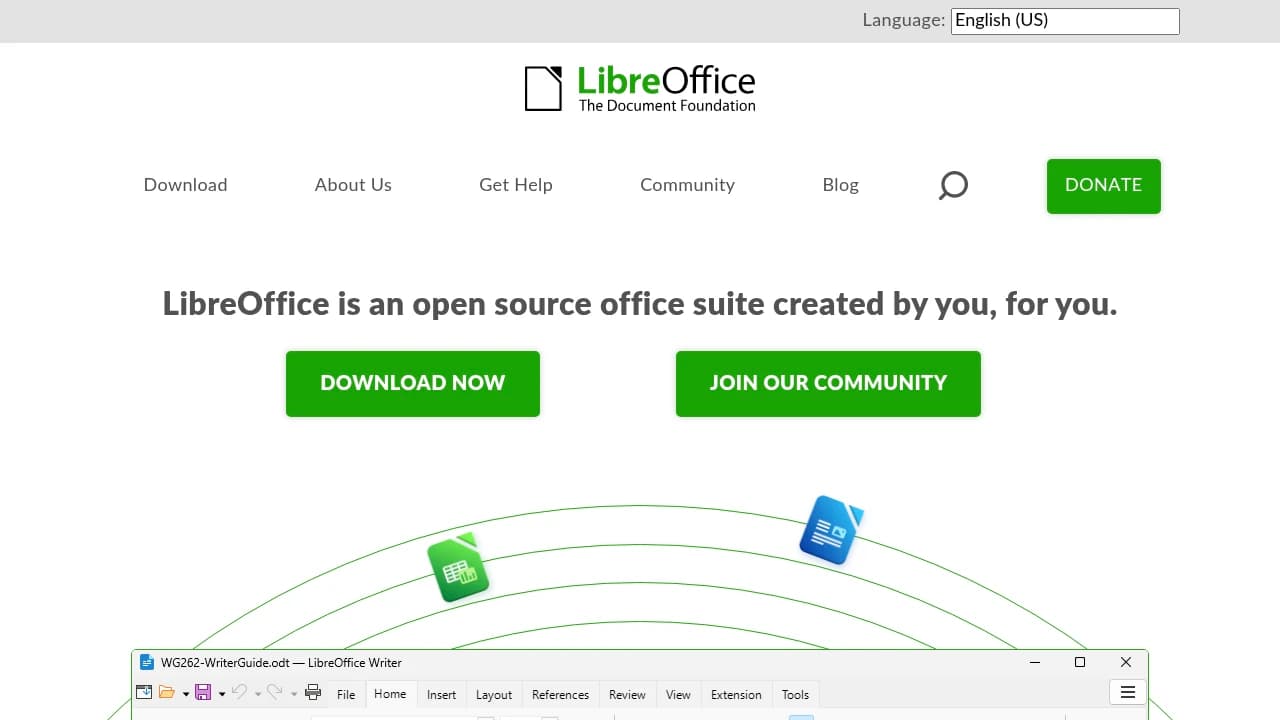
An office suite must work with the files you receive and create. Layout, formulas, and collaboration requirements can matter more than the number of advertised features. Use actual documents to test the fit.
Create a document test set
Include a formatted document, a spreadsheet, a presentation, and a PDF export. Open, edit, save, and reopen each file. Compare page breaks, fonts, charts, formulas, and tracked changes. Keep copies of originals so testing does not alter important work.
Review the current releases
LibreOffice and Apache OpenOffice are separate projects. Check their official release pages, supported systems, and update instructions. Do not assume a feature from one exists in the other. Start with a small group of files and agree on exchange formats with collaborators.
Compare documents, not just feature lists
LibreOffice and Apache OpenOffice both offer applications for documents, spreadsheets, and presentations. Your decision should start with the files that matter to you. A simple letter is a different test from a spreadsheet with complex formulas or a presentation with unusual fonts and embedded media.
Build a small folder of representative files and open it in each suite. Check pagination, tables, formulas, charts, speaker notes, and export output. If colleagues use Microsoft Office formats, include a round trip: edit a copy, save it, and reopen it in the application the recipient uses. Visual inspection is essential when the document will be printed or presented.
Keep interchange and working formats separate
An editable source file and a final PDF serve different purposes. Use an appropriate working format for the documents you maintain, and produce a PDF when you need a stable final view. Preserve a copy before converting a document between formats, especially when it contains macros or complex layout.
Ask whether the suite supports the exact extensions and automation your workflow needs. A macro that runs in one environment may need changes elsewhere. Verify current release notes and operating-system support through the official project pages. Avoid choosing based on a release comparison that may already be out of date.
Make a migration small enough to reverse
Start with personal drafts or a small team project. Write down the export settings that produce acceptable results and document any fonts that must be installed. Have another person review the final output on their own device. This catches missing fonts and layout assumptions before the new suite becomes the default.
If a specific file does not convert reliably, keep the existing workflow for that file while you investigate. There is no need to move every document at once. The most useful choice is the one that handles your real files, fits your support requirements, and makes collaboration predictable.
Before you make the switch
Run a small pilot with your own inputs. Compare the result, setup time, operating effort, and export options. Check current documentation and repository licenses before adopting a project; features and hosted plans can change. Keep the original files and configuration available until your new workflow has been tested.
Official instructions and sources
Official project documentationOriginal AltStack guide by Sushil Kumar Sah. Installation steps follow provider documentation; they do not imply testing on every supported device.