

Image editing, painting, vector illustration, and interface design are different jobs. A good replacement supports the work you do most often and handles the files you exchange with collaborators.
Pick a tool for the task
Evaluate GIMP for raster editing, Krita for digital painting, Inkscape for vector graphics, and Penpot for interface design. A small combination of focused applications can fit better than expecting one tool to replace every creative workflow.
Test the files you deliver
Try files with layers, text, masks, and color profiles. Verify import and export behavior and keep source files intact. Save reusable templates and document finishing steps. Test the whole delivery process before making a permanent switch.
Separate photo editing from digital painting
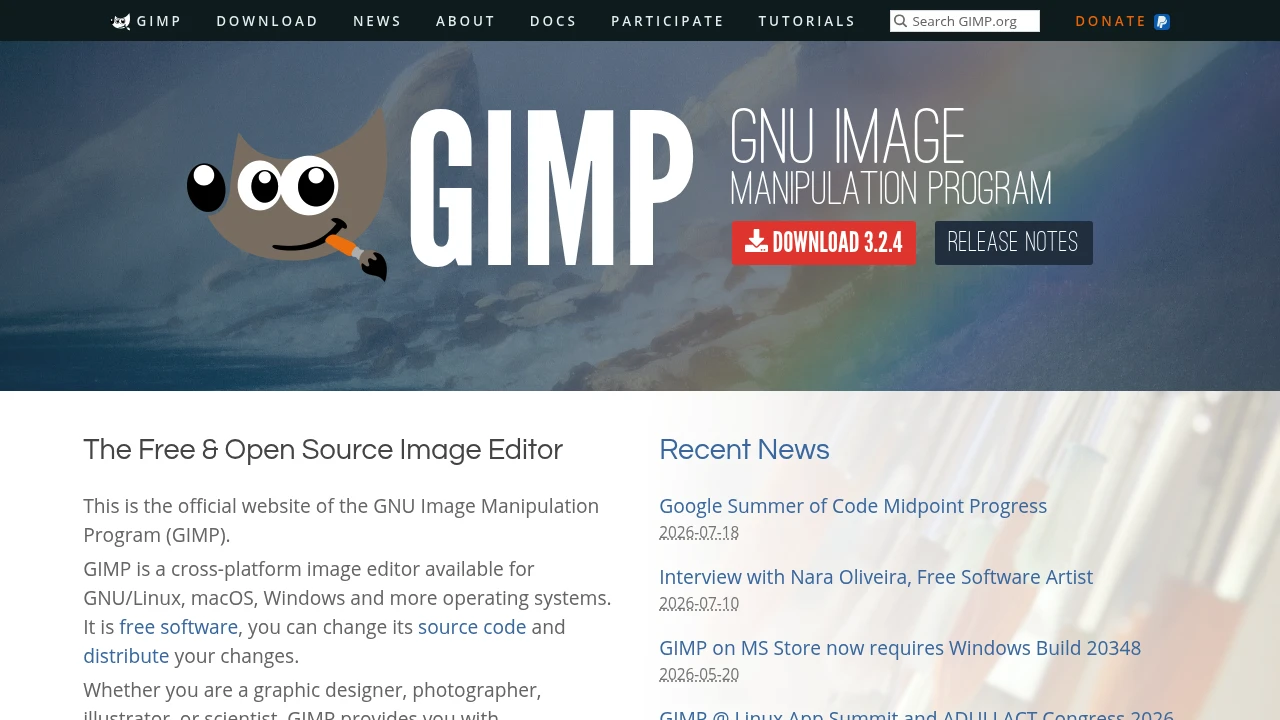
GIMP is a candidate for raster image editing; Krita is designed around digital painting. Both can be relevant to creative work, but the job you perform most often should lead the shortlist. A photographer removing distractions and an illustrator building brush strokes need different defaults and tools.
List your recurring tasks: cropping, masking, color correction, compositing, drawing, or exporting assets. Try a representative project in each relevant application. Measure whether the workflow feels predictable and whether your finished output meets its intended use. Learning a new interface is easier when you focus on a task rather than recreating every menu from the old tool.
Test editable files and exports
A tool that opens a layered file may not preserve every feature when it saves it again. Keep the original file and test on a copy. Inspect layer groups, masks, blending, text, and any effects that your project depends on. Then export the formats you send to clients or use in production.
For print work, verify color-management and export requirements against the actual printer's specifications. For web work, check dimensions, transparency, file size, and appearance in a browser. Record a short export checklist so that switching editors does not introduce inconsistent output.
Build a small creative toolkit
You do not need one application to solve every visual task. A painting application, a raster editor, and a vector or interface-design tool can complement one another. Keep intermediate files in formats that each stage can use reliably, and name the final deliverables clearly.
Start with a noncritical project and allow time to learn shortcuts and selection behavior. Save a few reusable settings after you find a workflow that works. Choose the tool that produces the right result with acceptable effort; a free download is valuable only when it also fits the work you need to deliver.
Before you make the switch
Run a small pilot with your own inputs. Compare the result, setup time, operating effort, and export options. Check current documentation and repository licenses before adopting a project; features and hosted plans can change. Keep the original files and configuration available until your new workflow has been tested.
Official instructions and sources
Official project documentationOriginal AltStack guide by Sushil Kumar Sah. Installation steps follow provider documentation; they do not imply testing on every supported device.