

A reliable screenshot requires more than opening a URL. Fonts, delayed images, dynamic content, and authentication all influence the result. Define what a successful capture should contain before choosing a tool.
Build a representative test suite
Include a static page, a long article, and a dynamic dashboard. Check viewport control, full-page output, image formats, and rendering wait conditions. If structured page data matters too, compare extraction capabilities alongside the screenshot workflow.
Review the operating model
Managed APIs simplify browser updates and concurrency. Self-hosted browsers offer control but need resource limits, retries, and cleanup. For authenticated pages, understand how session state is handled. Never put private tokens in capture URLs, and check current provider limits before buying a plan.
Specify the image before selecting a provider
Write a capture brief that includes viewport dimensions, output format, full-page or visible-area capture, and the point at which rendering is considered complete. A marketing screenshot and a regression-test image have different requirements. For the latter, even a changed font or animation frame can matter.
Create examples that expose the hard cases: a page with lazy-loaded images, a cookie notice, a sticky header, and a page that loads content after a network request. Compare whether the capture contains the intended content. Keep the source URLs public during evaluation so that a failure is easy to reproduce without sharing session credentials.
Distinguish screenshots from structured extraction
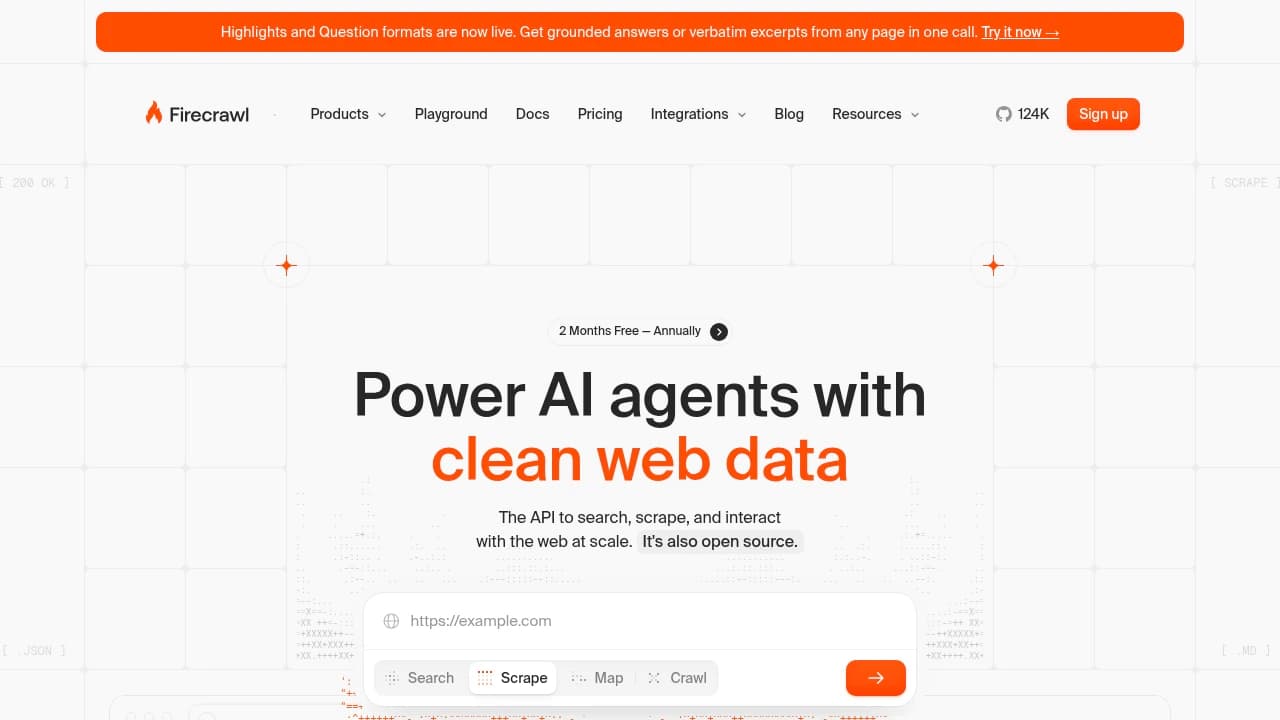
An image preserves a visual state. Structured extraction produces text or data that another application can process. A crawler such as Firecrawl belongs on your shortlist when your workflow also needs page content, but you should check the current screenshot and rendering capabilities against your capture brief. A successful text extraction is not proof of a visually complete screenshot.
If you need both outputs, record whether they came from the same page state. A page may update between requests. For a catalogue or audit workflow, store the capture time and source URL next to the image. That context makes the result more useful than an unexplained picture in a folder.
Compare reliability and operating costs
Estimate monthly captures, concurrent jobs, retries, and average image size. Check how a provider reports timeouts and how your application can distinguish an incomplete image from a successful one. A cheap request that produces an unusable capture still creates work. Test a small batch before committing to a recurring plan.
For self-hosted browser capture, include browser updates, memory limits, process cleanup, and storage in your estimate. Use explicit timeouts and a retry limit. For authenticated pages, review how session state is supplied and retained. Choose the approach that gives you predictable images and a failure signal your application can act on.
Before you make the switch
Run a small pilot with your own inputs. Compare the result, setup time, operating effort, and export options. Check current documentation and repository licenses before adopting a project; features and hosted plans can change. Keep the original files and configuration available until your new workflow has been tested.
Official instructions and sources
Official project documentationOriginal AltStack guide by Sushil Kumar Sah. Installation steps follow provider documentation; they do not imply testing on every supported device.