

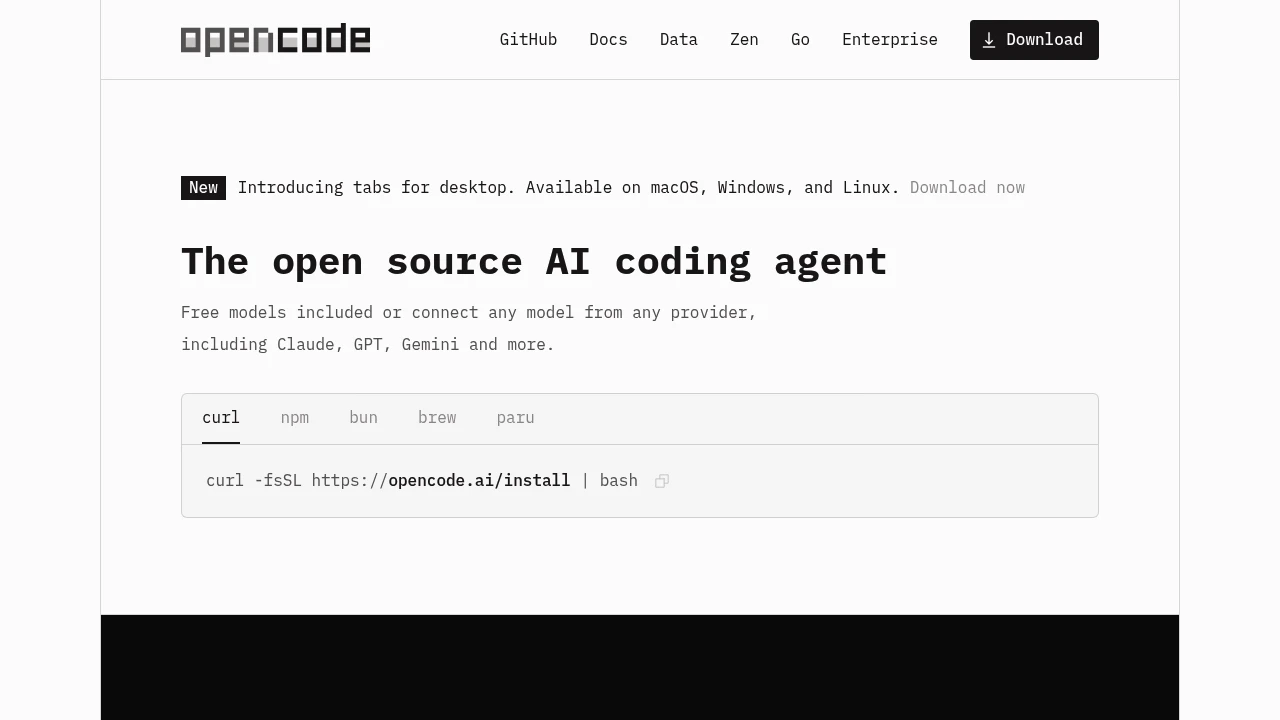
AI coding tools can suggest lines, explain code, or change several files. These are different levels of involvement. Start with a small task that you can inspect and test. A tool that writes more code is not automatically the one that helps you most.
Match the tool to the job
For a quick explanation, a chat interface may be enough. For repeated suggestions while typing, an editor integration may fit better. A coding agent can inspect a project and propose broader changes, but it also needs clear boundaries. Write a task brief that names the expected behaviour, the files or areas involved, and the checks that should pass. Avoid starting with ‘improve everything.’ A narrow task makes it easier to see whether the assistant understood your intention.
Check the model connection and cost
A coding interface and its model can have separate pricing. A free client may require a paid API key, a subscription, or a local runtime. Read the provider’s current plan limits and estimate how long tasks use context. Set a usage limit where the provider supports one. If you use a local model, measure speed and usefulness on your machine. Compare the exact edition and integration you plan to use. A source repository does not by itself mean every hosted feature is free.
Prepare a change you can undo
Begin in a version-controlled project with a clean baseline or a separate branch. Keep secrets out of prompts, logs, and committed files. Install dependencies from trusted project instructions and record the relevant runtime versions. If the agent can run commands, review its access to the terminal, network, and filesystem. Limit the first task to a small fix or a contained feature. Save the starting state so you can compare results and undo a change that creates unexpected behaviour.
Review the diff before accepting it
Read the changed lines and surrounding code. Ask whether the change handles the original trigger, whether it introduces unrelated edits, and whether the explanation matches the implementation. Check dependency additions, configuration changes, and any network requests. A successful-looking response is not proof that the app runs. If the assistant changed a function signature or data format, inspect its callers. Prefer a smaller change you understand over a large rewrite that makes the task harder to verify.
Test behaviour, not just compilation
Run the checks appropriate to the task. For a form, try valid input, invalid input, and a failed server response. For a UI, check a narrow screen and keyboard use. For a calculation, compare known examples and boundary cases. A build verifies some kinds of consistency but cannot tell you that every workflow behaves correctly. Record the commands and their results. If a test only repeats the new implementation, add a check based on the user-visible requirement instead.
Keep a simple adoption record
Track completed tasks, review time, corrections, and model cost for a short trial period. Consider whether the assistant helps you understand the code or leaves you with more uncertainty. Keep project instructions small and relevant so future tasks start with the same conventions. When comparing tools, give each the same task and use the same acceptance checks. Choose the tool that makes a reliable change easier to review, rather than the one that produces the longest answer.
Official instructions and sources
OpenCode documentationAider documentationContinue documentationOriginal AltStack guide by Sushil Kumar Sah. Installation steps follow provider documentation; they do not imply testing on every supported device.